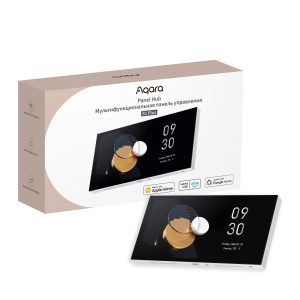







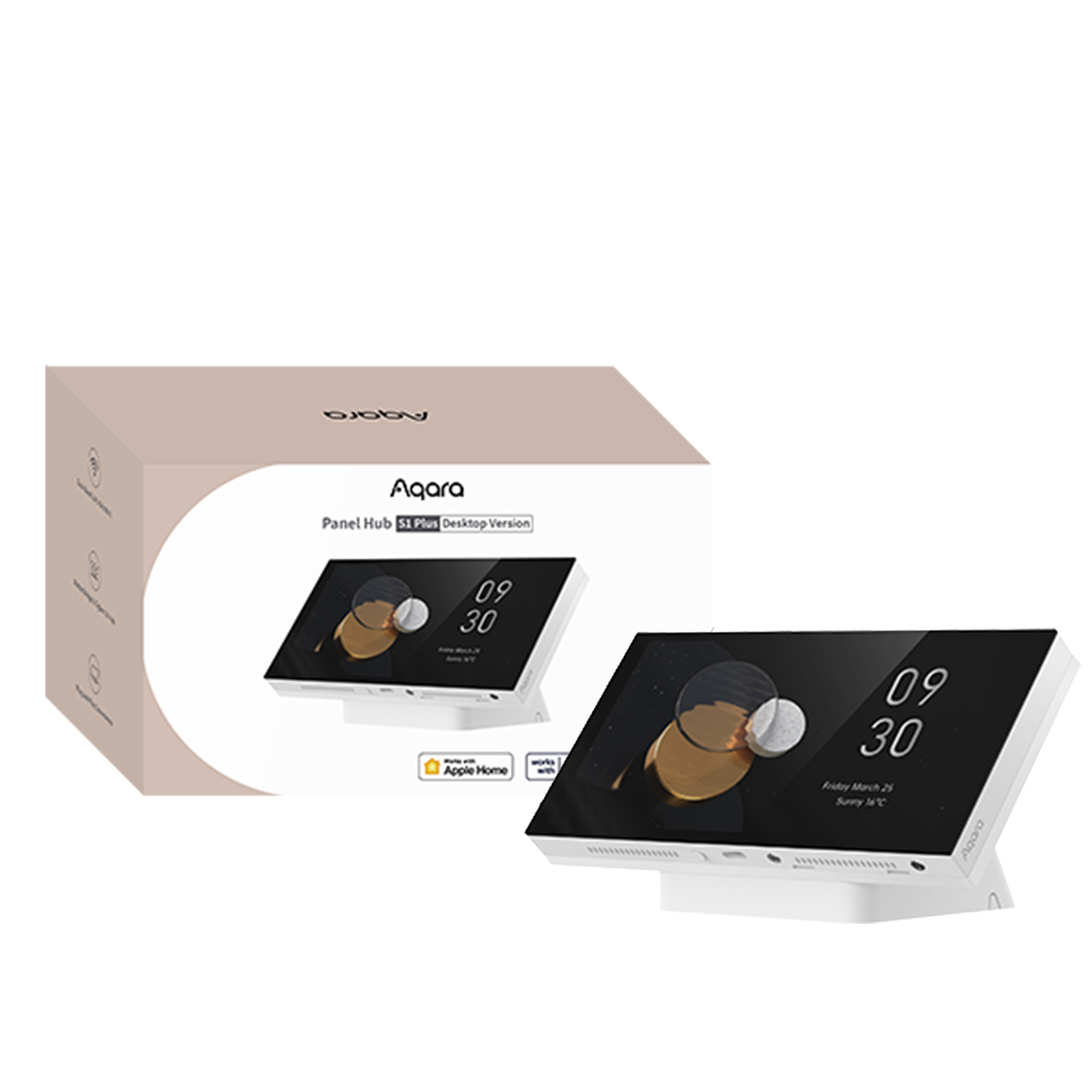
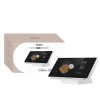

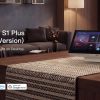
Aqara Panel Hub S1 Plus (Desktop Version)
Discover the Aqara Panel Hub S1 Plus EU Desktop, featuring a 6.9-inch touchscreen, Zigbee hub, Matter Bridge, Siri control and Aqara camera viewing.
£299.99
EAN / Barcode: 6975833359127
Description
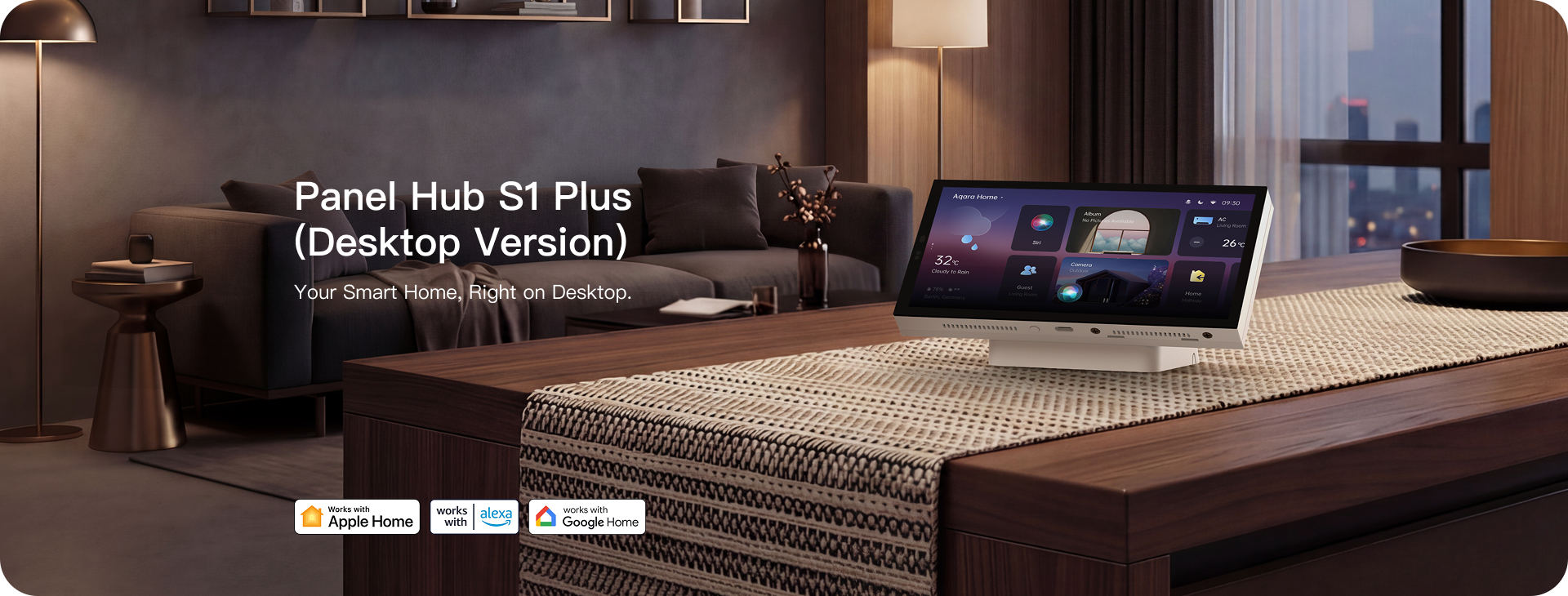
Aqara Panel Hub S1 Plus EU (Desktop Version)
Your Smart Home, Right on Desktop
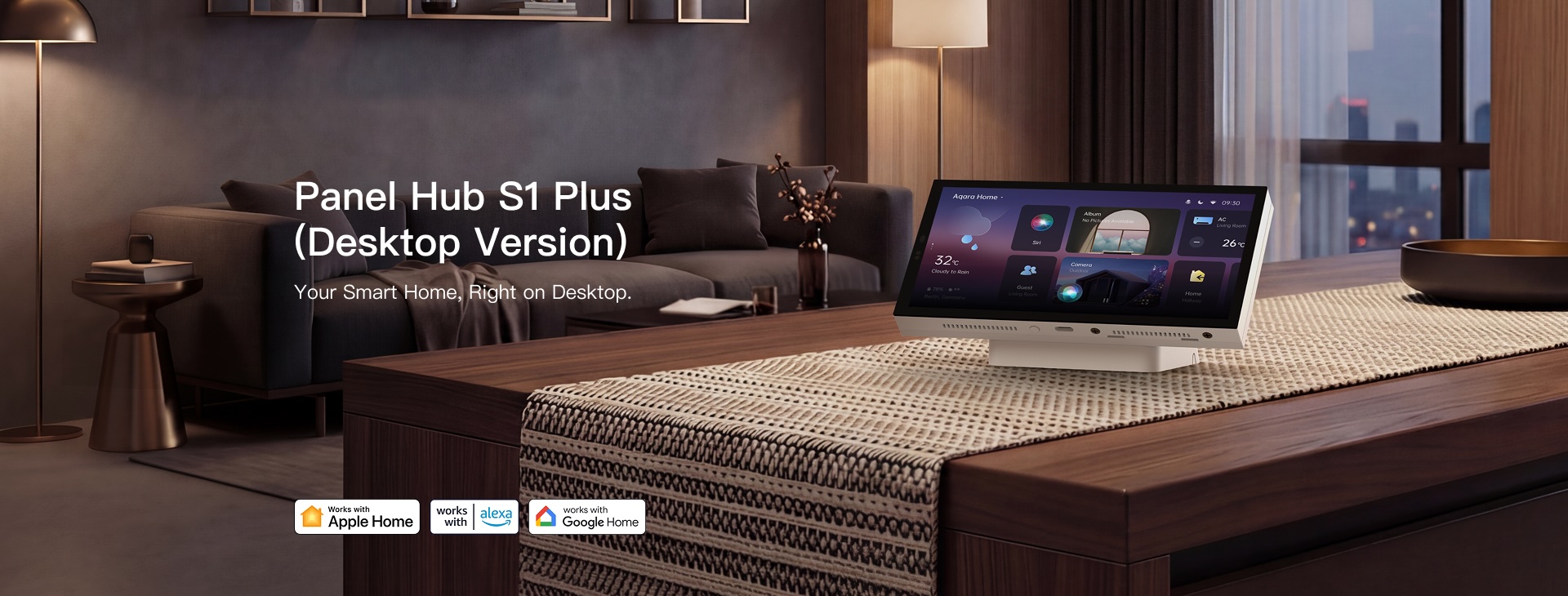
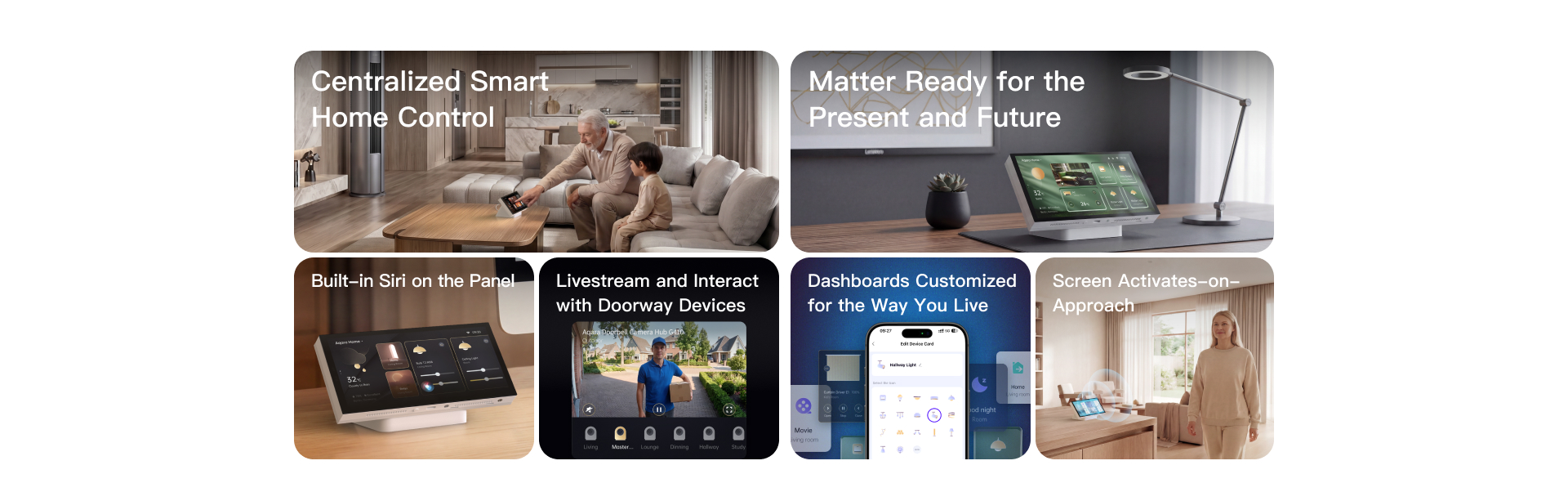
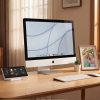
The Aqara Panel Hub S1 Plus brings centralised smart home control to your desk. Its 6.9-inch IPS touchscreen serves as a command center for Aqara and Matter devices, with built-in Siri for hands-free voice control of Apple Home accessories. Stream live Aqara camera feeds and unlock doorbells directly from the panel—doorbell rings trigger an automatic pop-up so you can verify and unlock without reaching for your phone. Customizable dashboards with editable card sizes, one-tap auto-generated layouts, and proximity wake deliver a fluid daily experience. Zero wall-wiring USB-C power and a desktop-optimized tilt make installation effortless. As a Zigbee 3.0 hub and Matter bridge, it connects Aqara Zigbee devices into broader Matter ecosystems, with Wi-Fi 5 dual-band for stable whole-home performance. Up to 60 devices per dashboard, 10 customisable dashboards, and compatibility with Apple Home, Alexa, Google Home, SmartThings and Home Assistant make it the centrepiece for premium smart home households.
Aqara Panel Hub S1 Plus EU (Desktop Version) Features:
- Centralised Smart Home Control: All-in-One Desktop Command Center
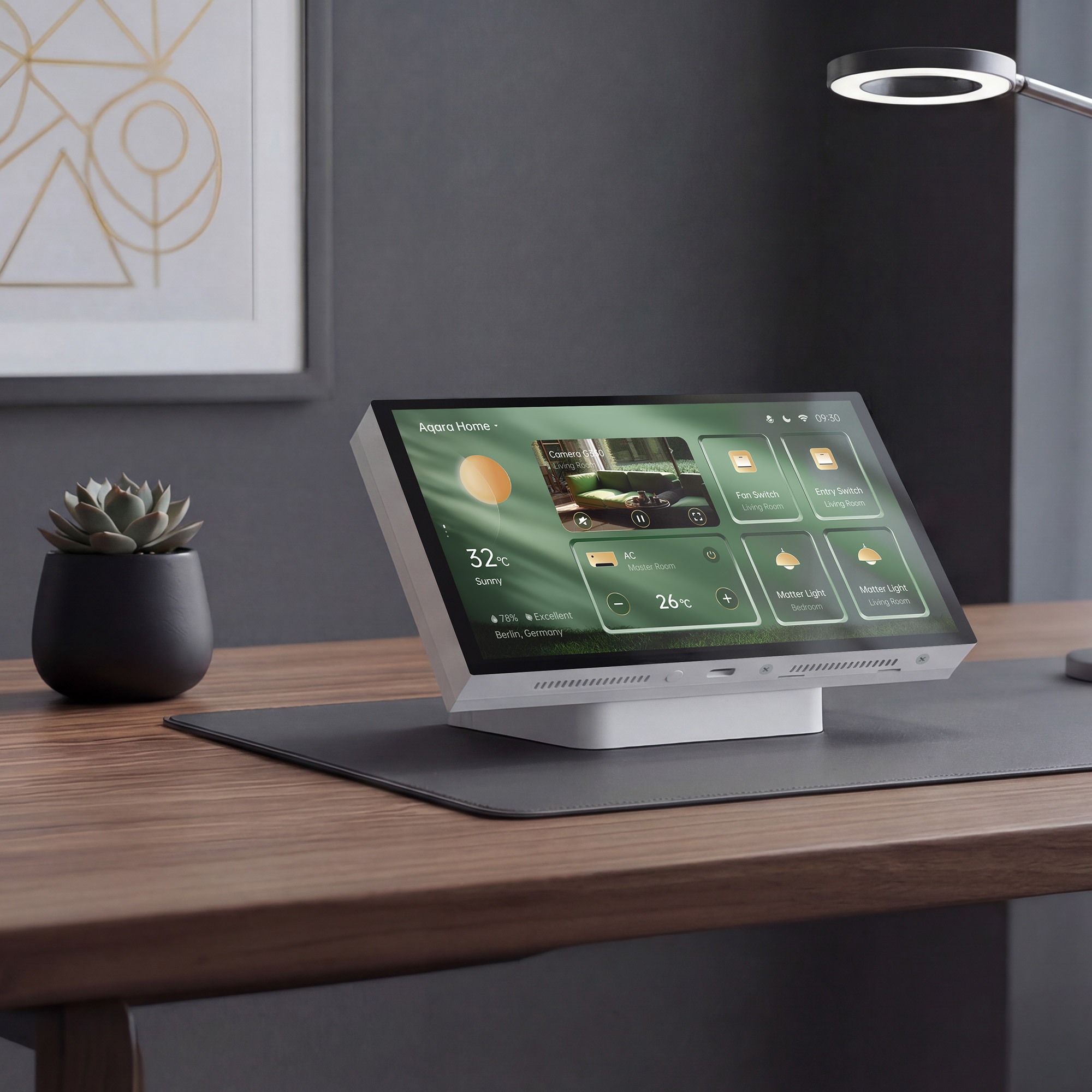
Turns the panel into a central control point for Aqara and Matter① devices on one shared screen, so everything can be managed without flipping through multiple phone pages. Supports broad device coverage across curtains, RGB/CCT lights, HVAC, locks, and more②. Thorough scene management groups repeated actions into quick one-tap routines—heading out means one tap handles lights, curtains, and your exit routine. Up to 60 device③/scene cards per dashboard and 10 customizable dashboards. One-tap auto-generated dashboards speed up setup, while editable card sizes and custom icons make the interface personal and intuitive. Multiple themes and screensavers help the panel blend into any desk or room decor.
- Native Siri④, Voice-Activated Smart Home: Hands-Free Control at Your Desk
Built-in Siri on the device itself for Apple Home—connect lights, locks, scenes, and more by voice, turning the panel into a shared voice control system instead of only a touchscreen. Control the home hands-free while typing, on a call, or away from your phone. Make Apple Home routines easier for family members who rarely open the Aqara app. Adjust brightness, climate, or scenes during calls or screen-heavy work without reaching for a phone. Requires a HomePod or HomePod mini configured as a home hub. Delivering hands‑free Apple Home voice control right on the panel.
- Zero Installation with Tabletop Placement: USB-C Power, No Wall Wiring
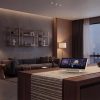
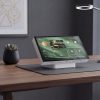
Standardised USB-C power for straightforward setup and flexible desk or tabletop placement. Engineered tilt for a natural viewing angle and smooth touch interaction—the panel behaves like a modern desktop device, not a wall fixture. Wi-Fi 5 dual-band (2.4/5 GHz) for fast pairing, stable linking, and dependable all-day control. No electrician needed—simply plug in and go. Easier to move when your space changes. Place smart home control where it is genuinely useful, not only where wiring allows.
- Camera Streaming & Doorbell Unlock: See and Respond from One Screen
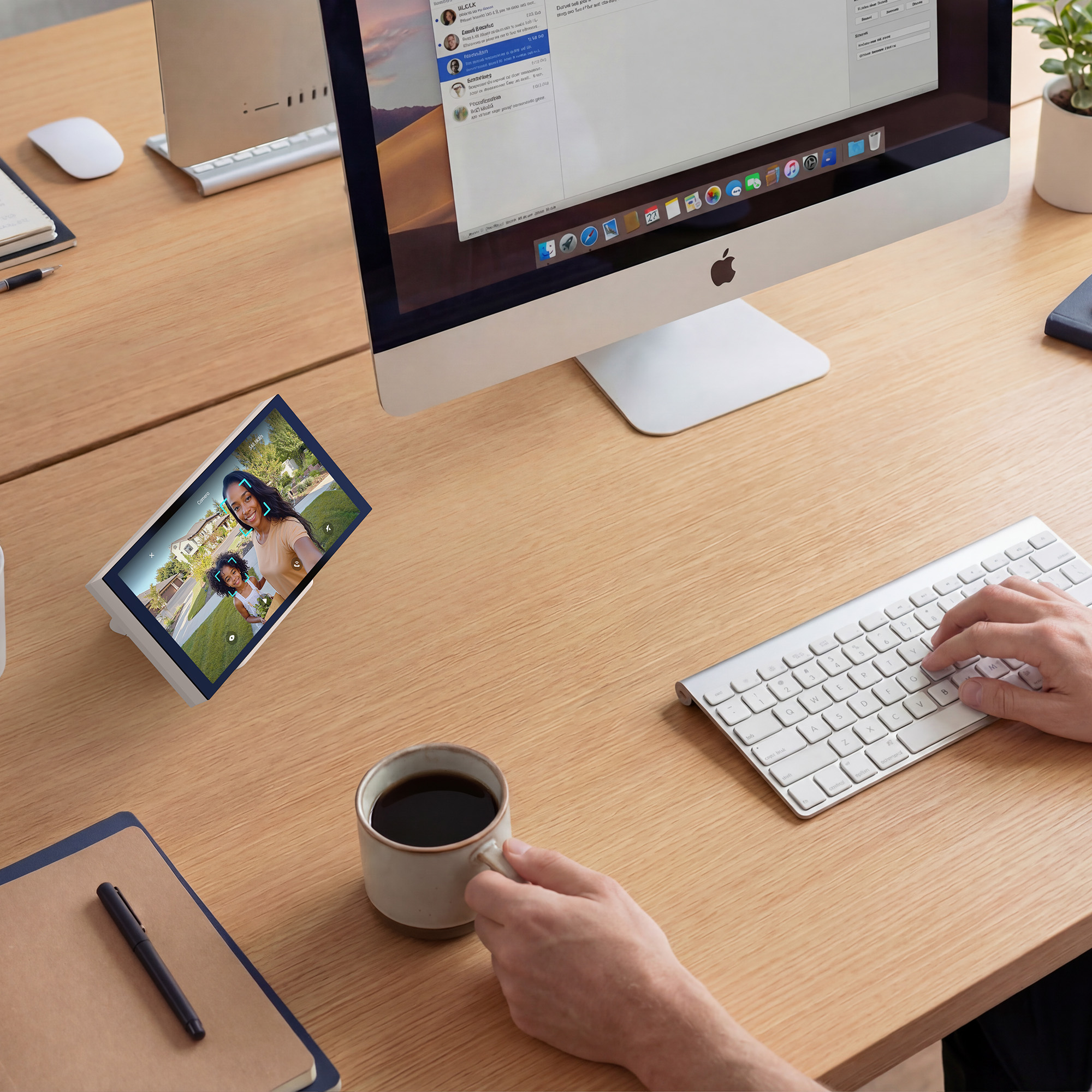
Stream Aqara camera⑤ and doorbell feeds directly on the panel with automatic doorbell pop-up—live video appears without touching anything. Multi-camera view supports monitoring Aqara camera feeds (one at a time, with easy switching between cameras), and lock control from the live view lets users unlock after visual confirmation. Reduce dependence on the phone for daily door and camera interactions. Add a layer of security—see who is at the door before granting access. A major differentiator vs. Shelly and budget panels which lack any camera streaming capability.
- Matter Ready for the Present and Future: Bridge Aqara Devices Across Ecosystems
Acts as a Matter bridge for Aqara Zigbee devices, helping move Aqara accessories into broader Matter ecosystems without replacing existing gear.(Control of non-Aqara Matter-over-Thread devices requires an additional Matter Controller.) Supports up to 6 wireless switches in Matter platforms, adding single-press triggers to favorite commands. Control more third-party devices from one panel, keep cross-platform homes manageable, and expand into new ecosystems as your setup grows. Compatible with Apple Home, Alexa, Google Home, Samsung SmartThings, and Home Assistant as a Matter Bridge.
- Dashboards Customised for the Way You Live: Editable Cards, Auto-Generated Layouts, Full Personalisation
Adjustable card sizes make it easy to prioritise frequently used controls—if lighting is your main daily interaction, make those cards prominent while keeping lower-priority items compact. Dashboards can be auto-generated with a single tap or copied directly from the Aqara app, lowering the setup barrier for less technical users. Up to 10 dashboard⑥ with editable card sizes, custom icons, and device renaming, so the panel speaks your household’s language, not generic device names. Multiple themes and screensavers help the panel fit naturally into any home décor—on a desk or shelf, it looks intentional rather than like tech clutter.
- Activates on Approach: Proximity Wake with Adjustable Range
Screen activates automatically within 1.5m as you approach, reducing friction between noticing the panel and using it—controls are ready before you touch. Adjustable screen wake range prevents false triggering in busy spaces. Auto-brightness via ambient light sensor keeps the display comfortable in any lighting. Auto-off when idle saves energy and reduces screen wear. Reach controls faster because the screen is already activated; everyday interaction feels smoother and more responsive.
①*To add Matter devices to the Aqara Home app, an Aqara Matter controller is required.
②* For detailed device compatibility, please check the device compatibility list.
③*Maximum card (device/scene) number in one dashboard: 60.
④*To use Siri on S1 Plus, you must have a HomePod orHomePod mini configured as your home hub.
⑤*Only Aqara cameras can be streamed by the time of launch, and only one camera feed can be shown at once.
⑥*Maximum dashboard number: 10.
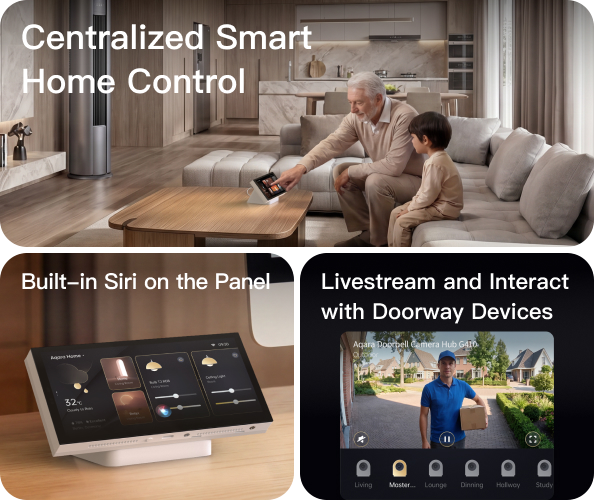
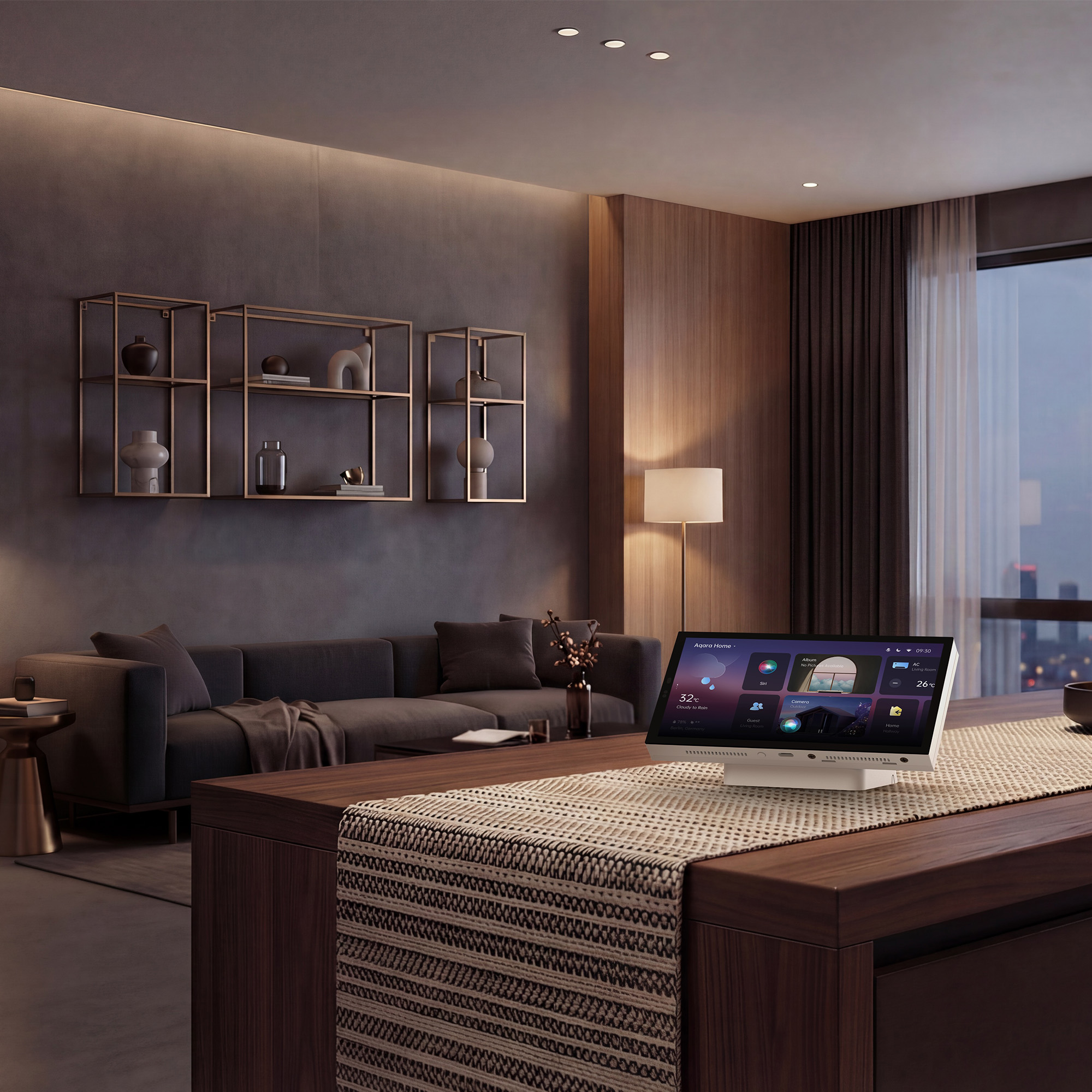
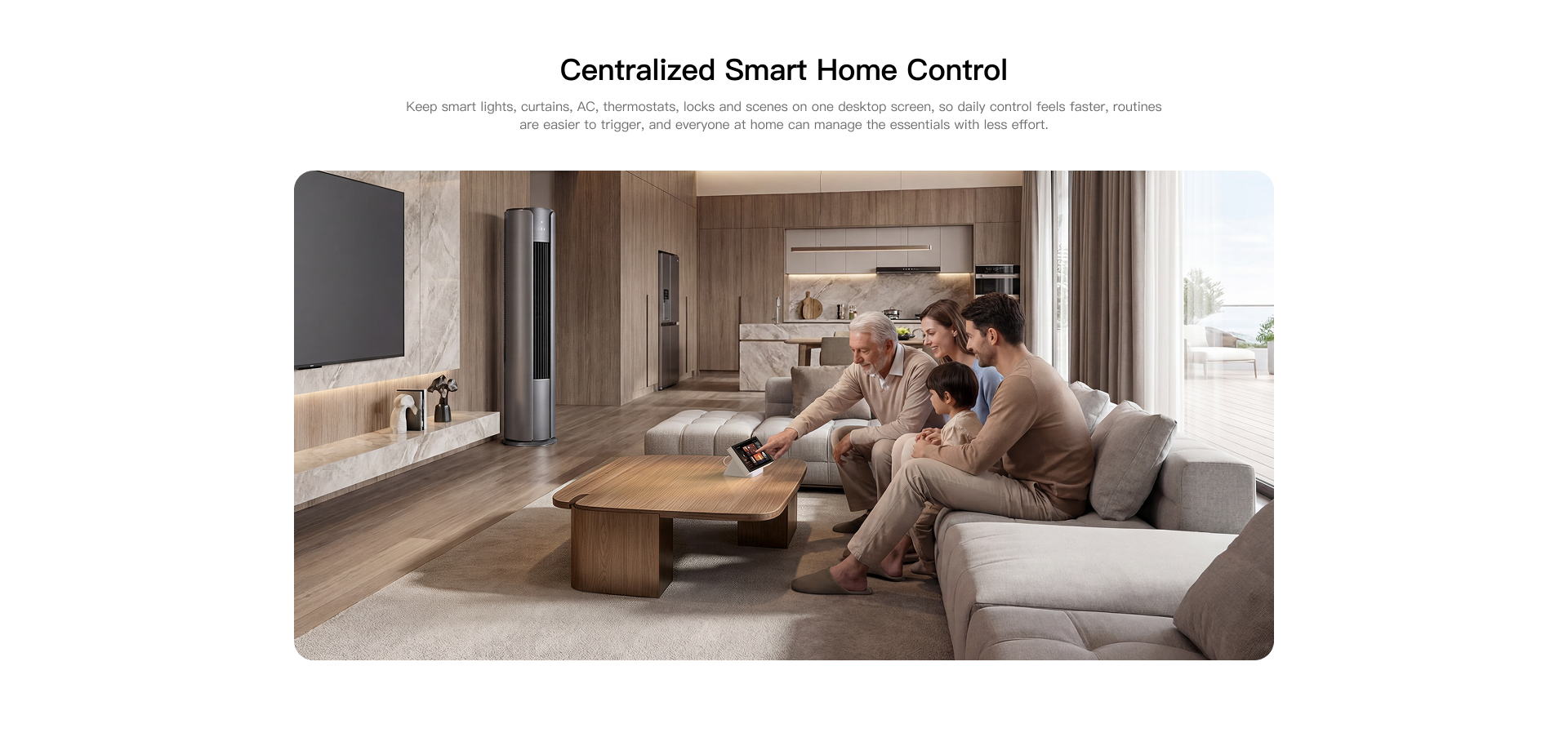
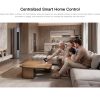
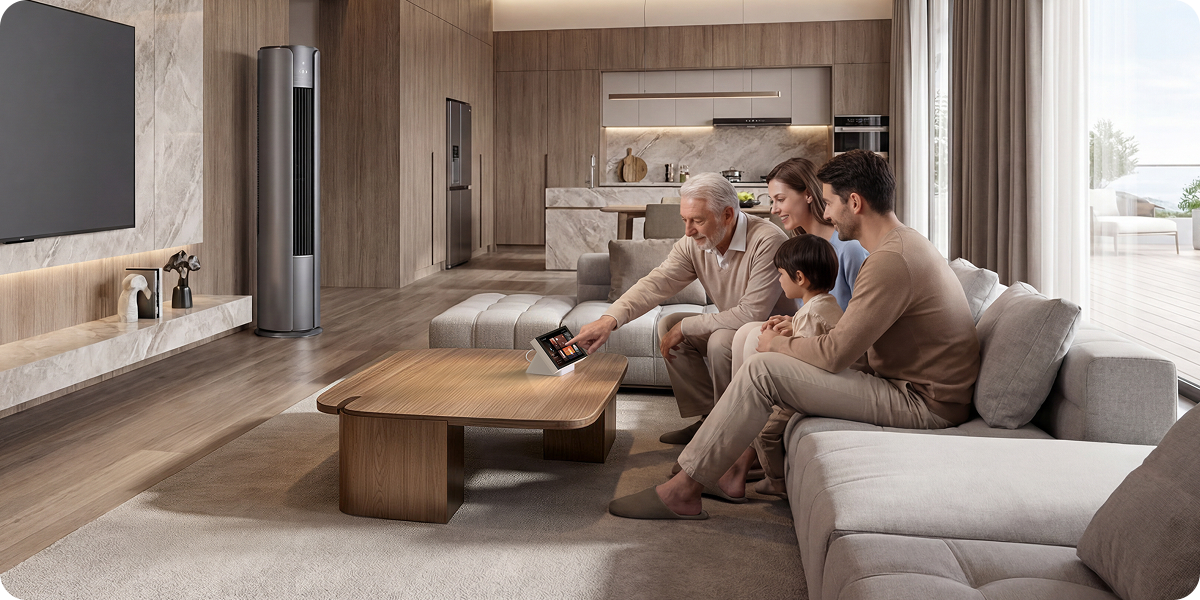
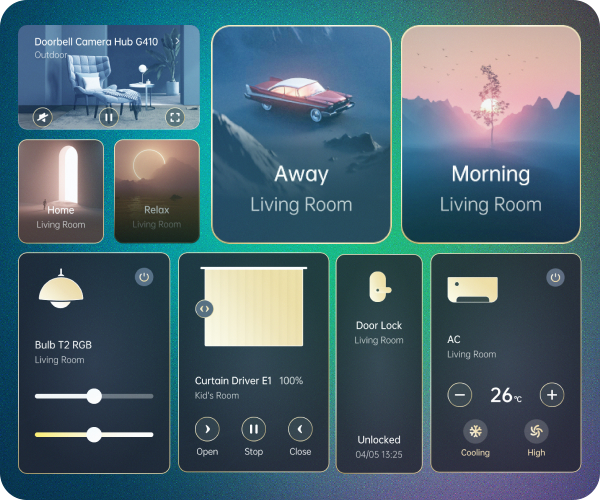
Centralised Smart home Control
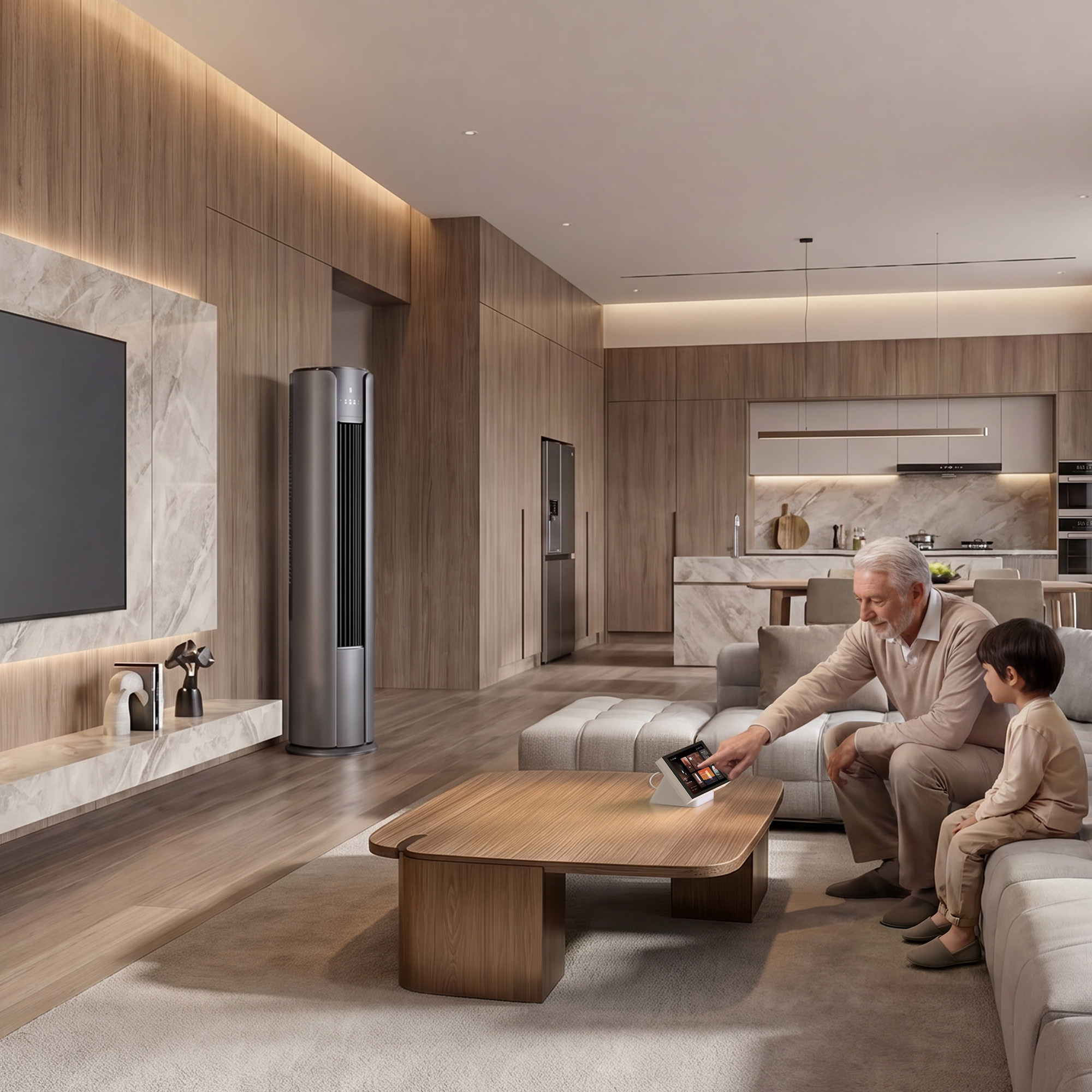
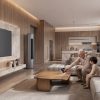
Keep smart lights, curtains, AC, thermostats, locks and scenes on one desktop screen so daily control feels faster, routines are easier to trigger and everyone at home can manage the essentials with minimal effort.
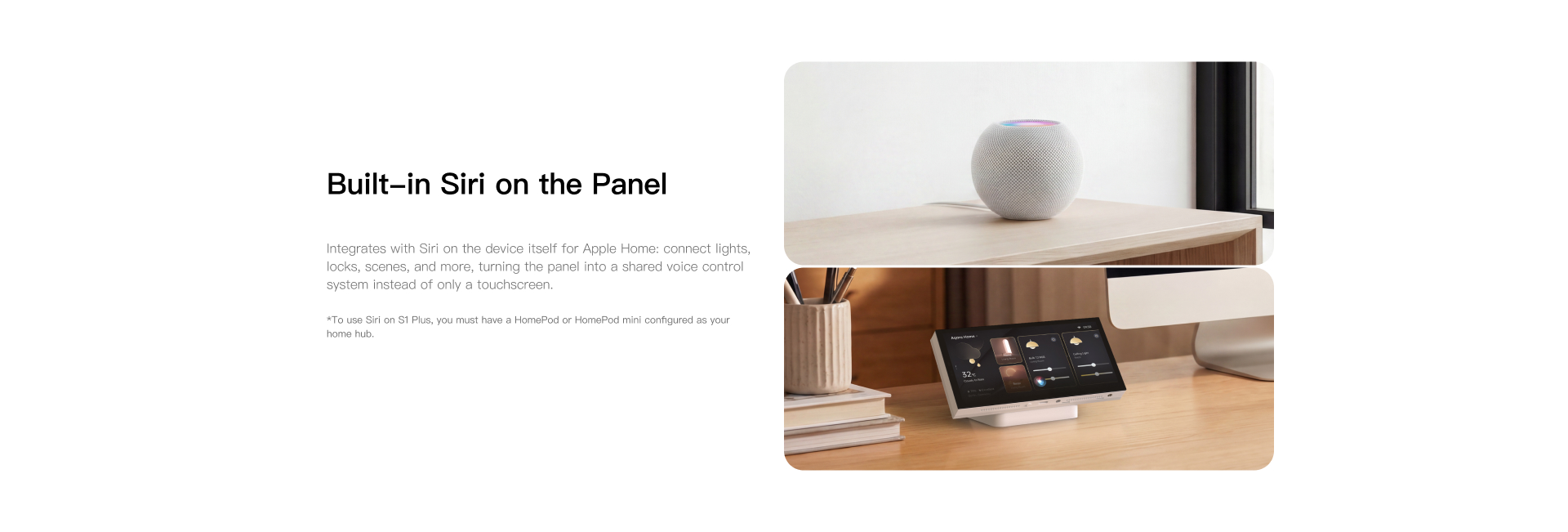
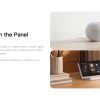
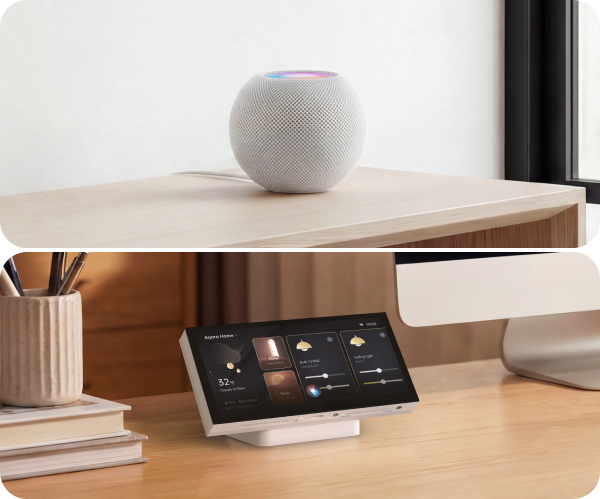
Built-in Siri on the Panel
Integrates with Siri on the device itself for Apple Home: connect lights, locks, scenes and more, turning the panel into a shared voice control system instead of only a touchscreen.
*To use Siri on S1 Plus you must have a HomePod or HomePod mini configured as your home hub.
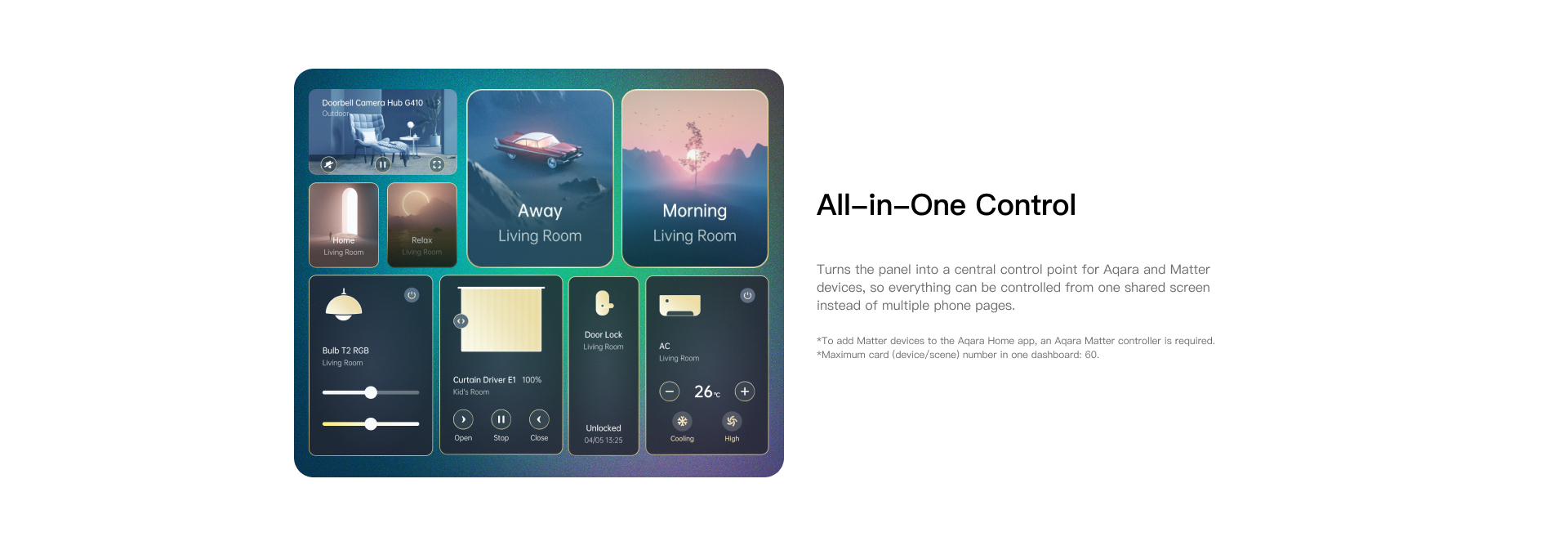
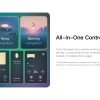
All-in-One Control
Turns the panel into a central control point for Aqara and Matter devices, so everything can be controlled from one shared screen instead of multiple phone pages.
*To add Matter devices to the Aqara Home app, an Aqara Matter controller is required.
*Maximum card (device/scene) number in one dashboard: 60.
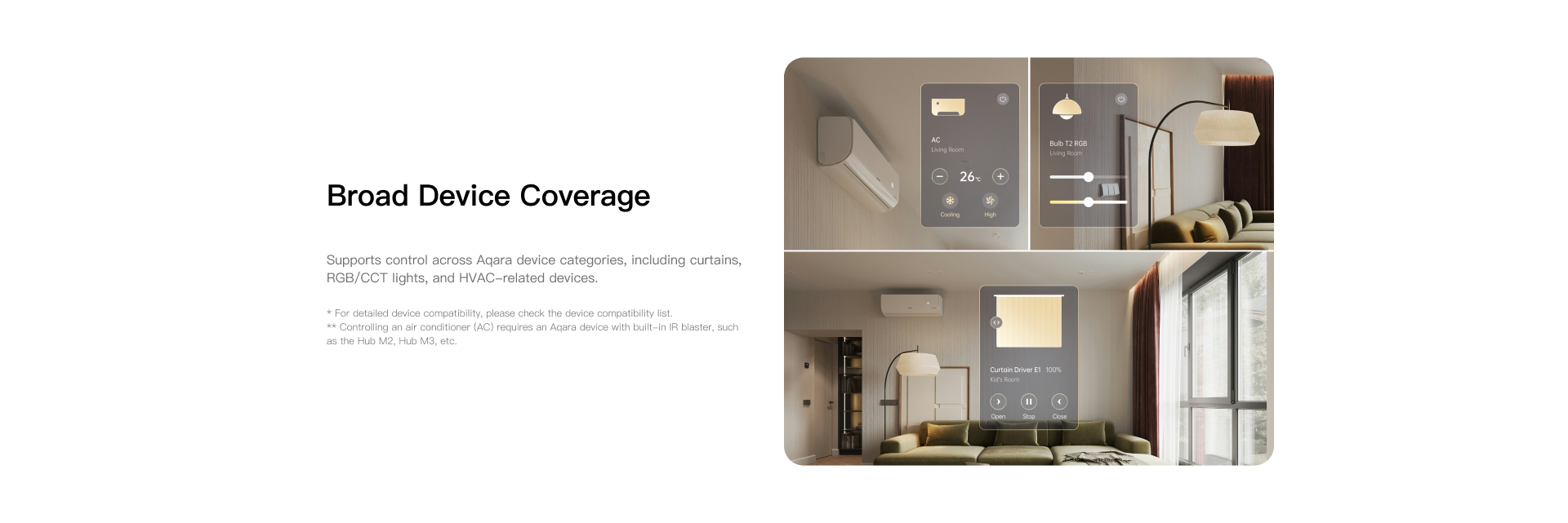
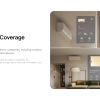
Broad Device Coverage
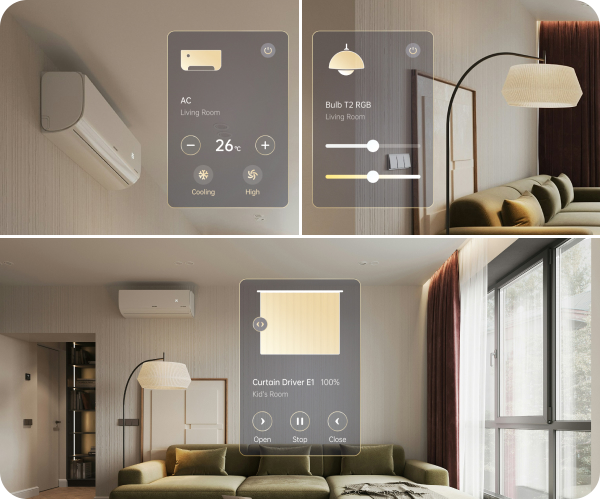
Supports control across Aqara device categories, including curtains, RGB/CCT lights and HVAC-related devices.
*For detailed device compatibility, please check the device compatibility list.
**Controlling an air conditioner (AC) requires and Aqara device with built-in IR blaster, such as the Hub M2, Hub M3, etc.
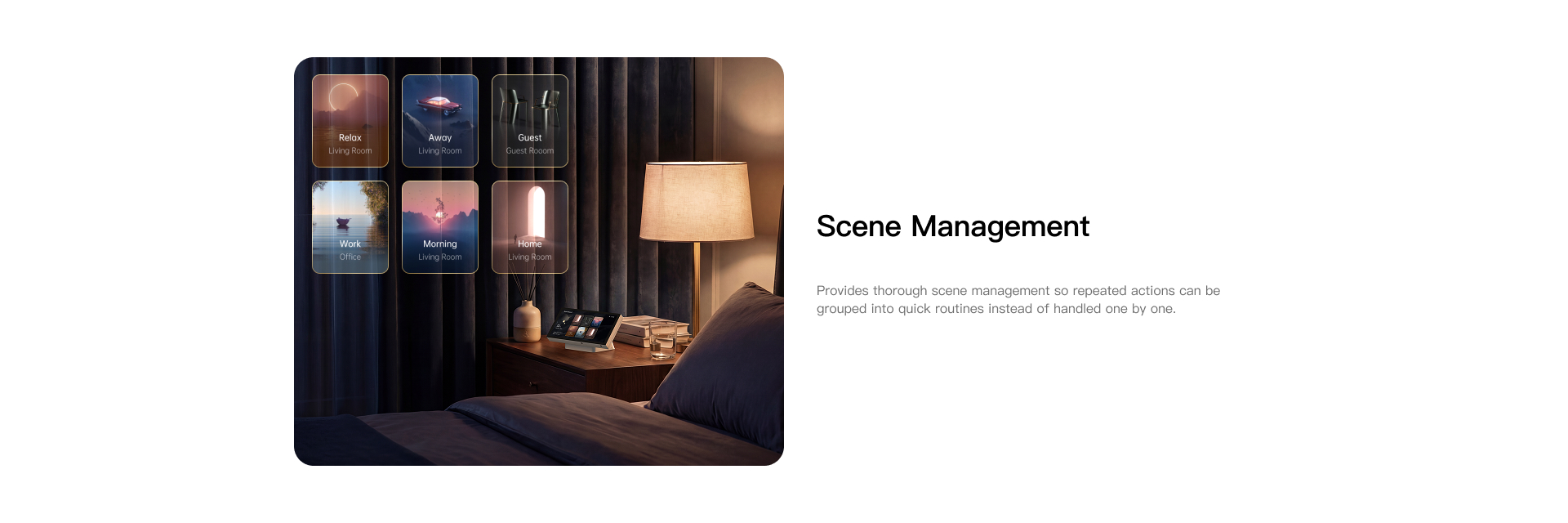
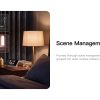
Scene Management
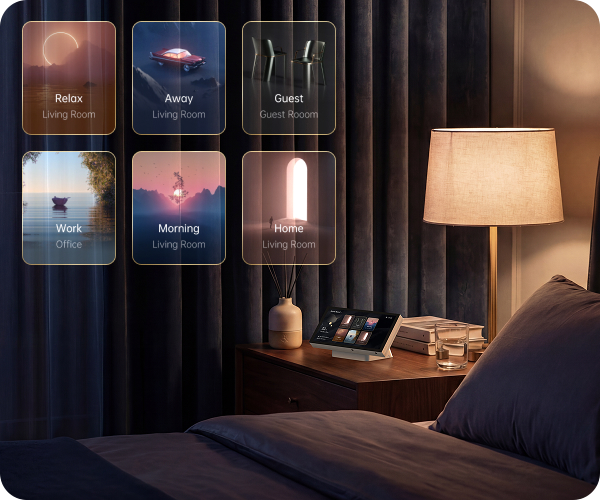
Provides thorough scene management so repeated actions can be grouped into quick routines instead of handled one by one.
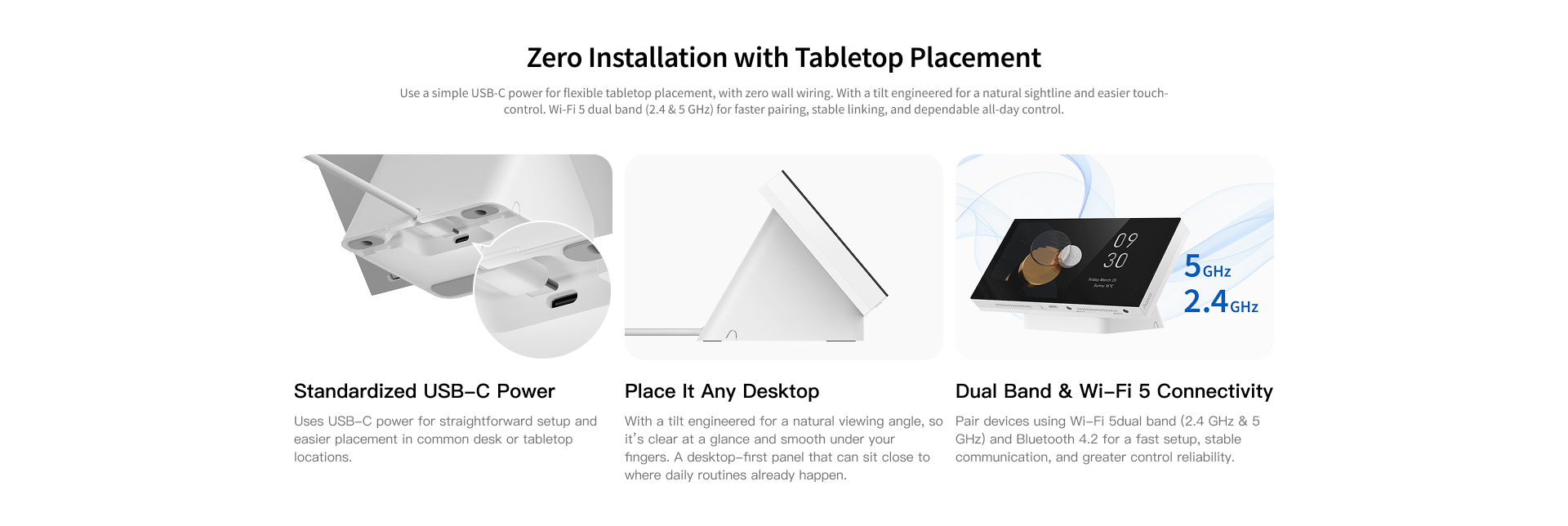
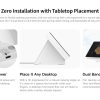
Zero Installation with Tabletop Placement
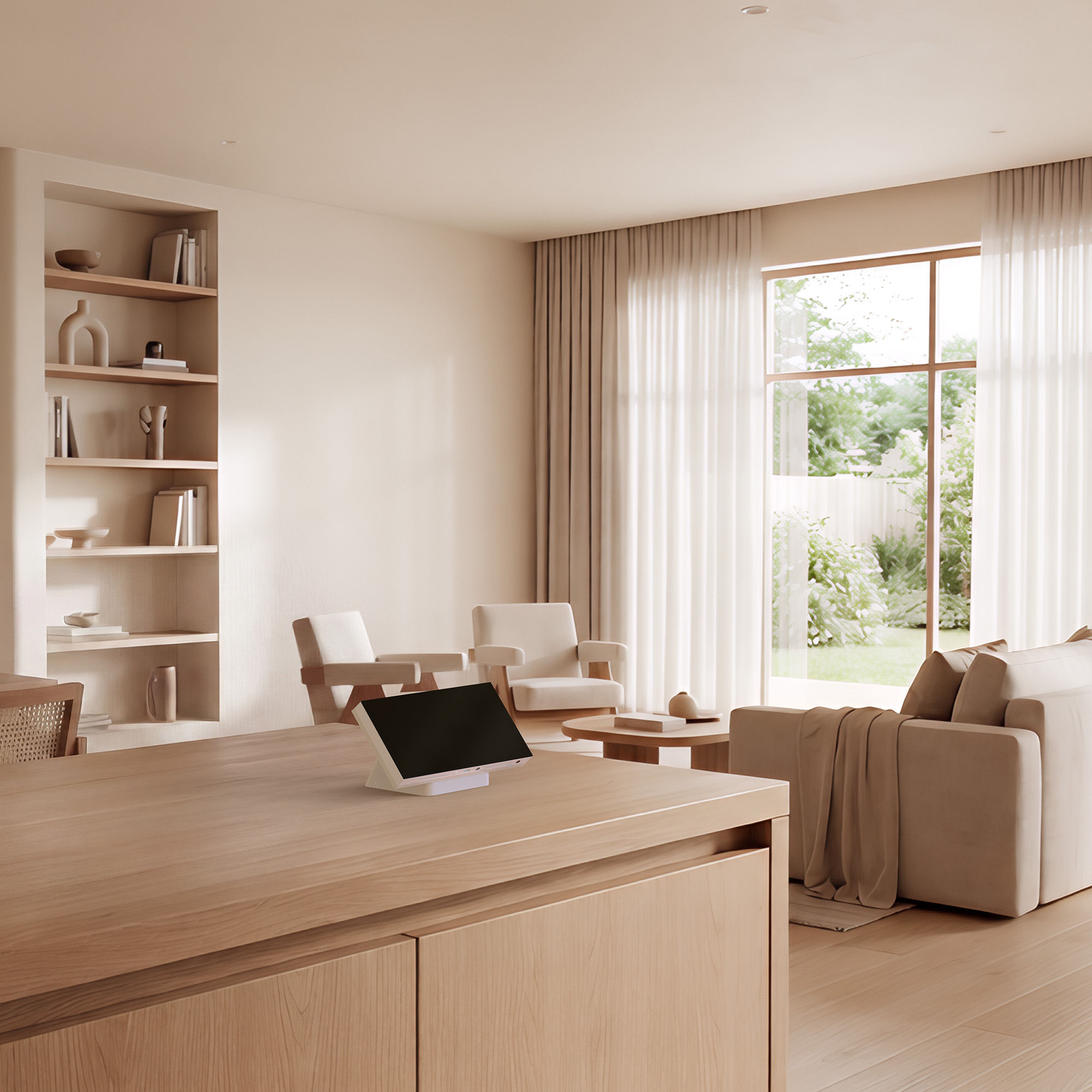
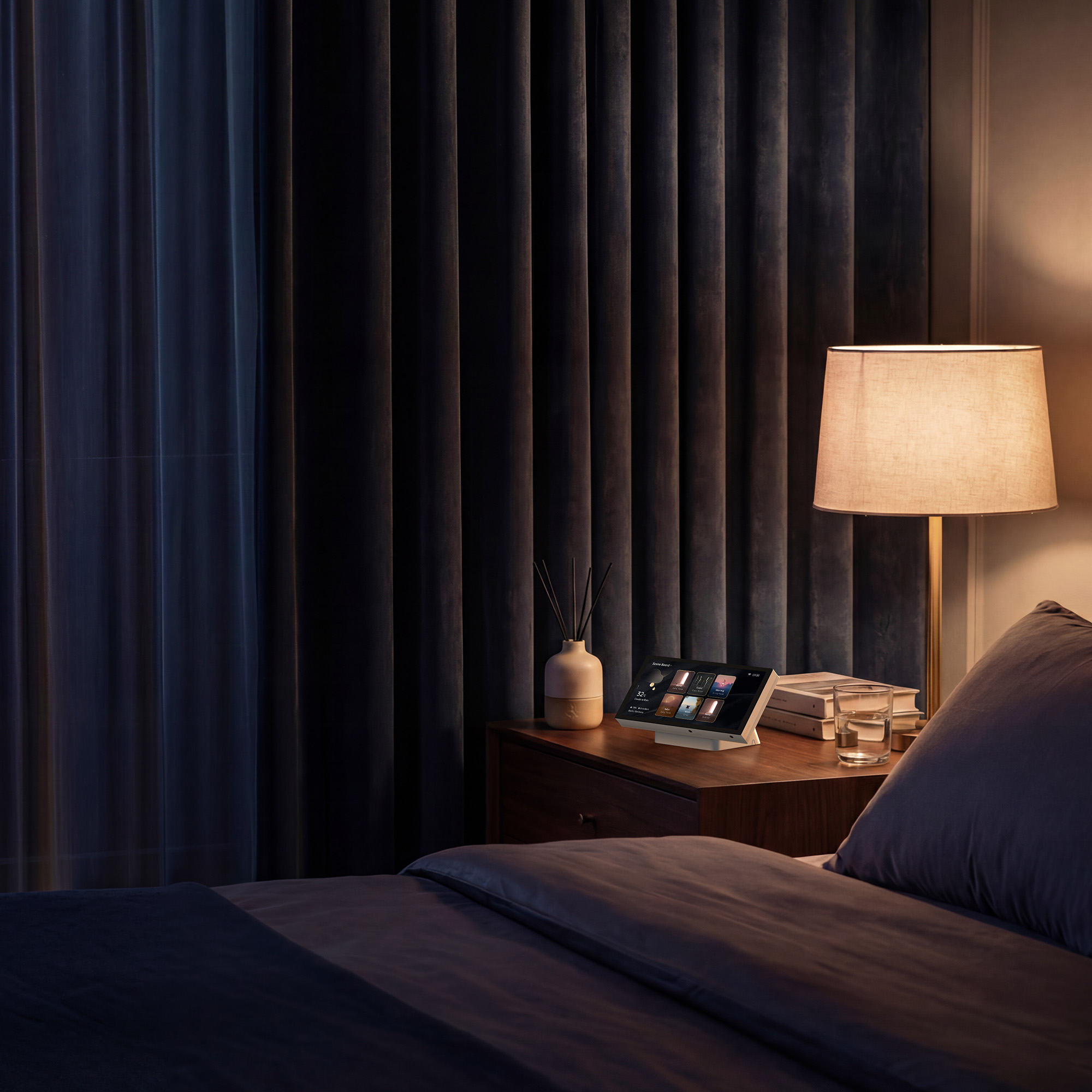
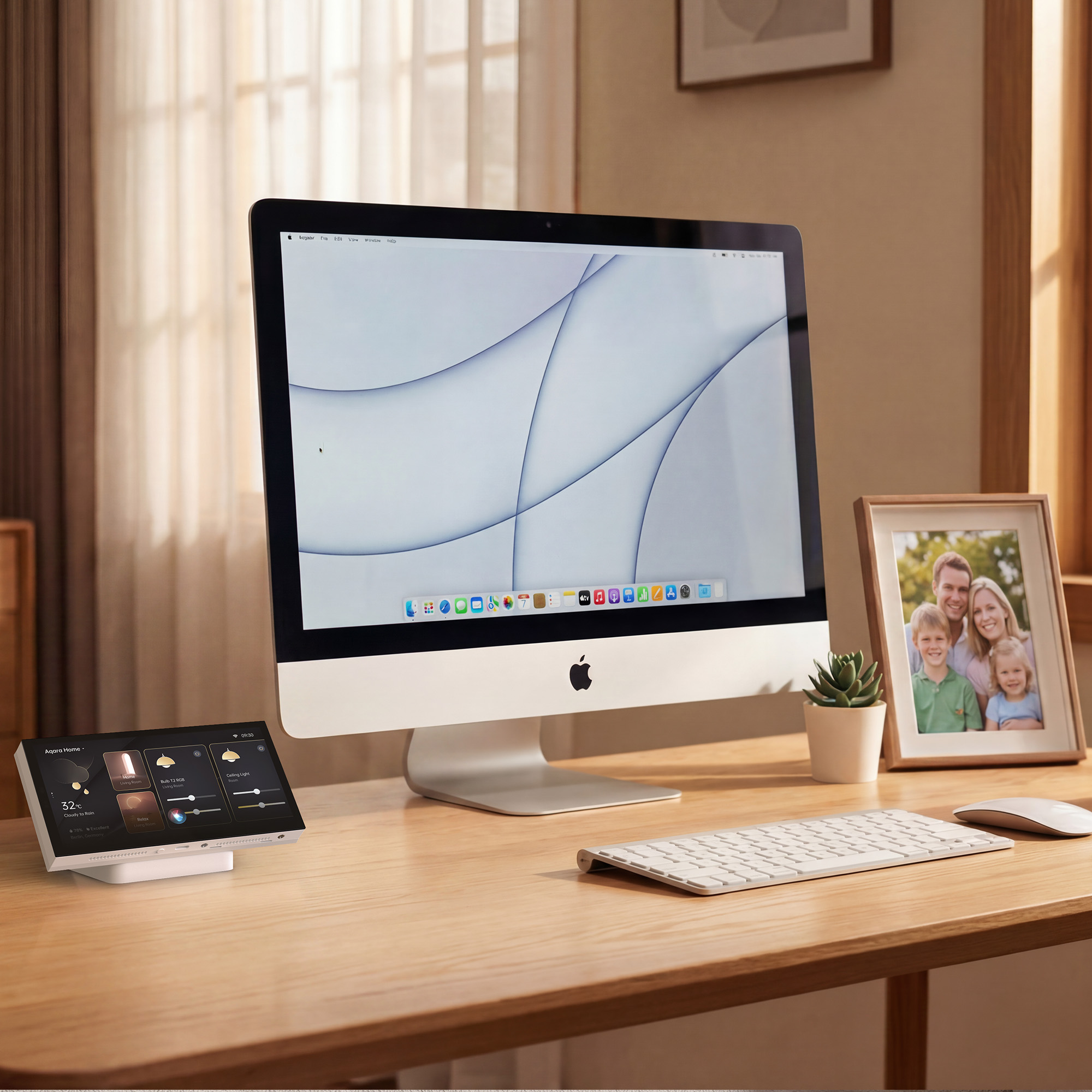
Use a simple USB-C power cord for flexible tabletop placement with zero wall wiring required. With a screen tilt engineered for a natural sightline and easier touch control. Wi-Fi 5 dual band (2.4 & 5 GHz) for faster pairing, stable linking and dependable all-day control.

Uses USB-C power for straightforward setup and easier placement in common desk or tabletop locations.

With a tilt engineered for a natural viewing angle and a screen that's smooth to the touch. A panel designed for desktop that can sit close to where your daily routines already happen.

Pair devices using Wi-Fi 5 dual band (2.4 & 5 GHz) and Bluetooth 4.2 for a fast setup, stable communication and greater control reliability.
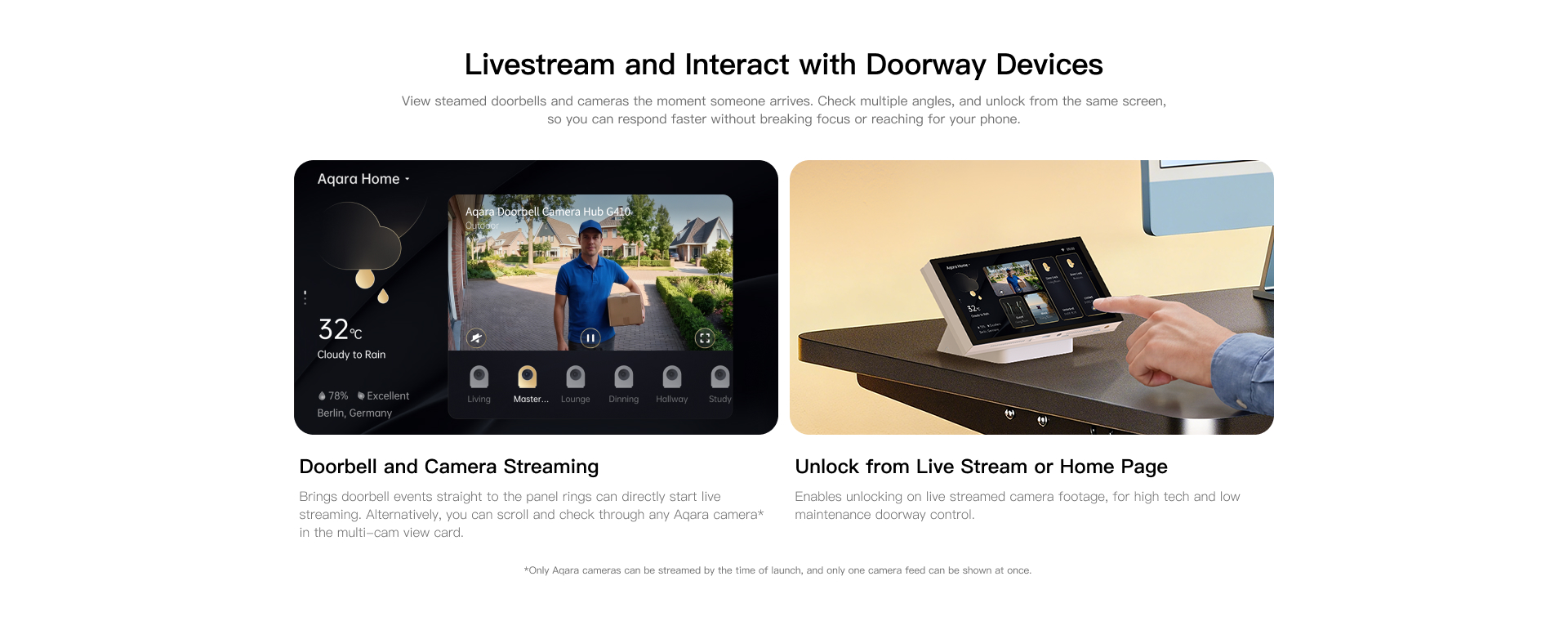
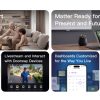
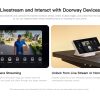
Livestream and Interact with Doorway Devices
View steamed doorbells and cameras the moment someone arrives. Check multiple angles, and unlock from the same screen, so you can respond faster without breaking focus or reaching for your phone.

When your doorbell rings, video is streamed directly to the panel. You can also scroll and check through any connected Aqara camera in the multi-cam view card.

Enables unlocking on live streamed camera footage, for high tech and low maintenance doorway control.
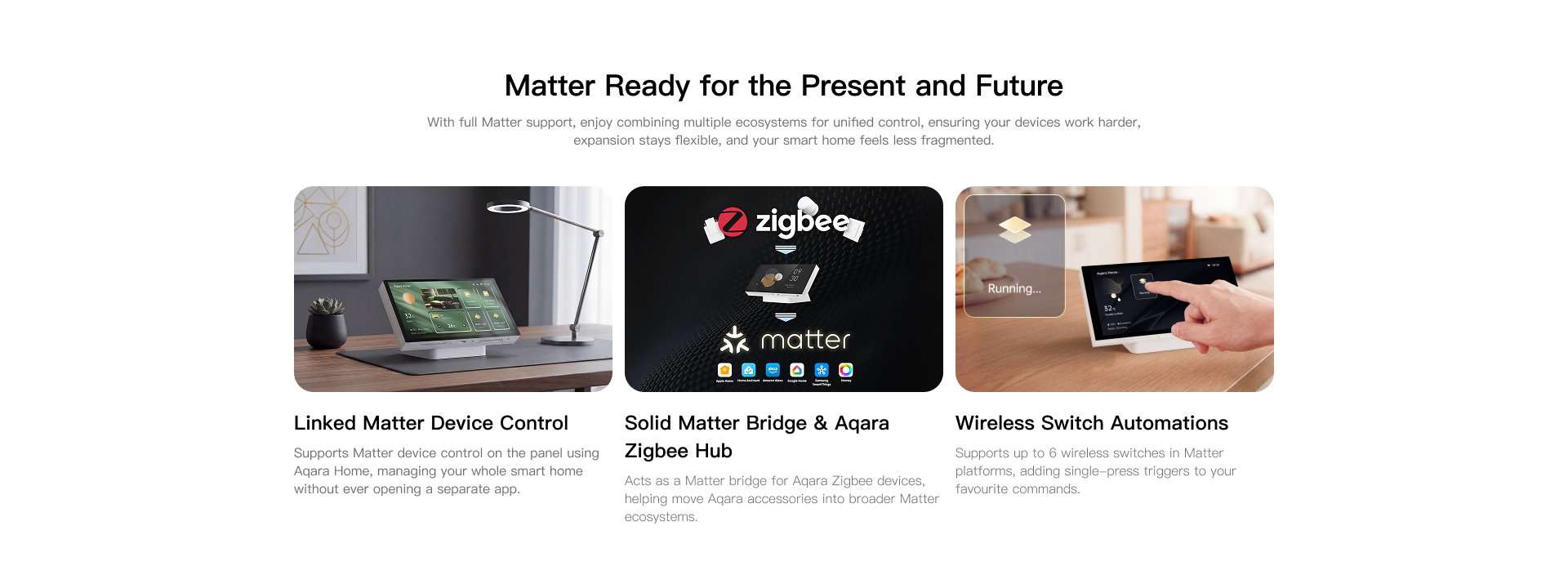
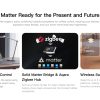
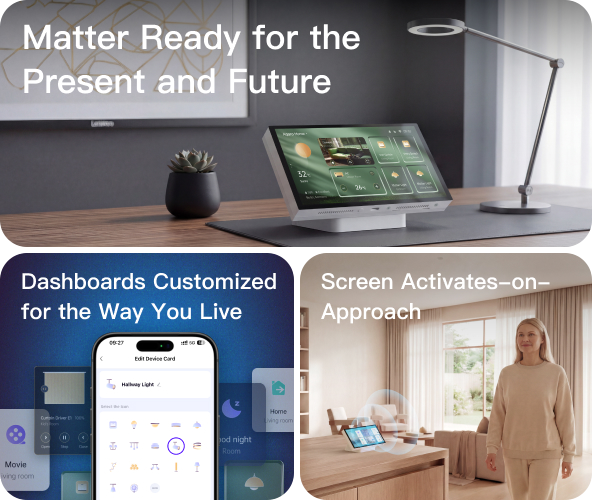
Matter Ready for the Present and Future
With full Matter support, enjoy combining multiple ecosystems for unified control. Ensuring your devices work harder, expansion stays flexible and your smart home feels less fragmented.

Supports Matter device control on the panel using Aqara Home, managing your whole smart home without ever opening a separate app.

Acts as a Matter bridge for Aqara Zigbee devices, helping move Aqara accessories into broader Matter ecosystems.

Supports up to 6 wireless switches in Matter platforms, adding single-press triggers to your favourite commands.
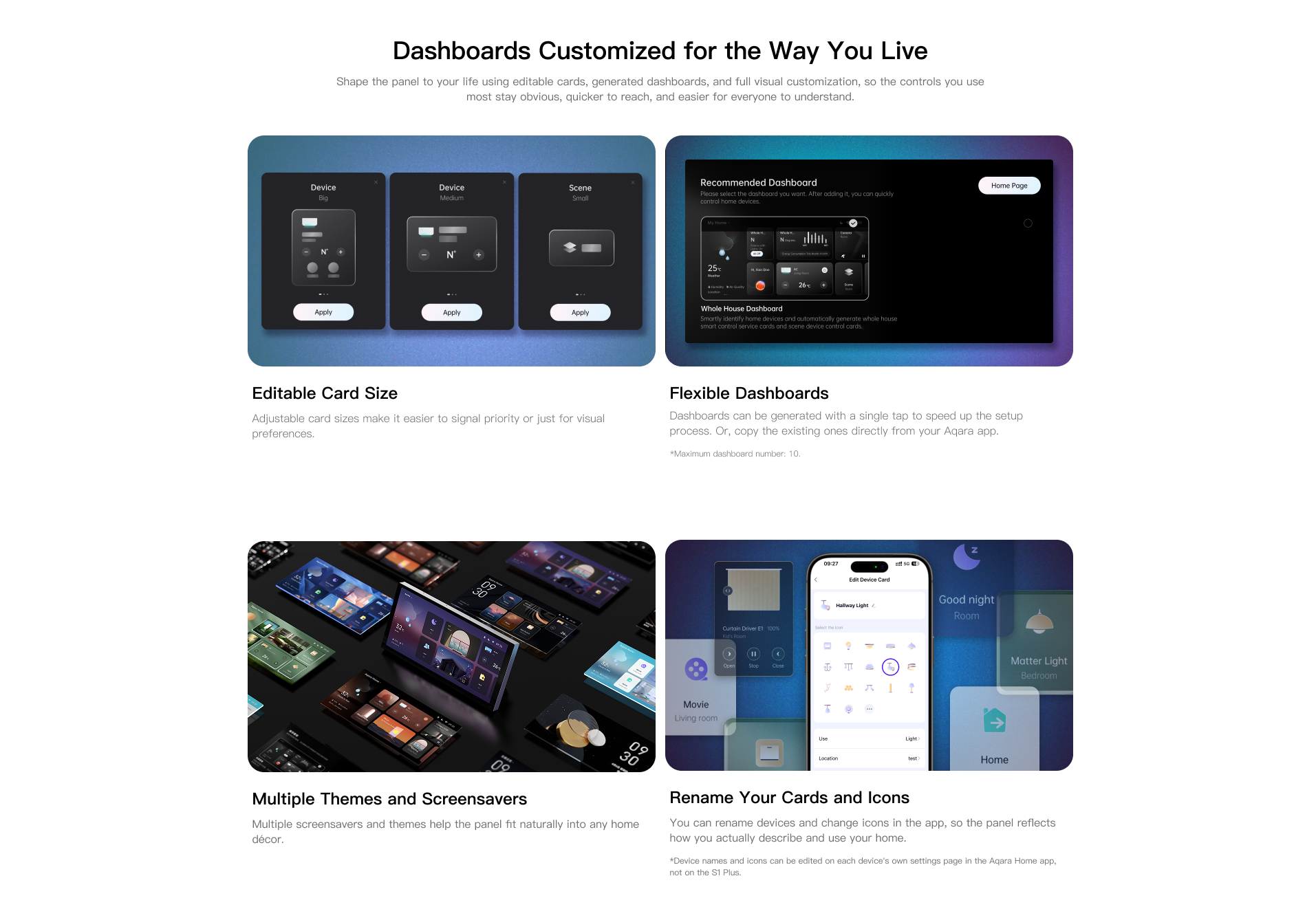
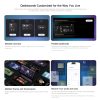
Dashboards Customised for the Way You Live
Shape the panel to your preferences using editable cards, generated sideboards and full visual customisation.
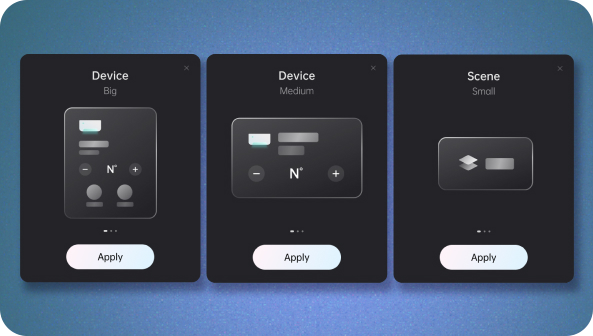
Adjustable card sizes make it easier to signal priority, or just change for visual preference.
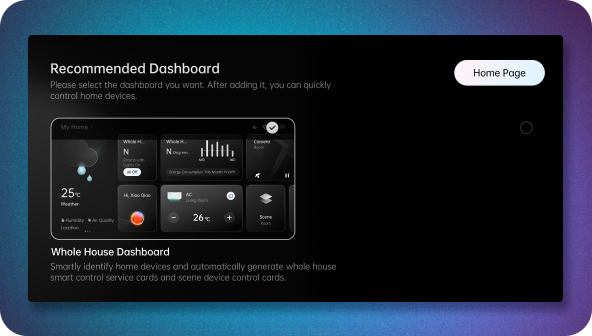
Dashboards can be generated with a single tap to speed up setup, or copy the existing ones directly from your Aqara app.
*Maximum dashboard number: 10.

Multiple screensavers and themes help the panel fit naturally into any home.

You can rename devices and change icons in the app, so the panel reflects how you describe and use your home.
*Device names and icons can be edited on each device's own settings page in the Aqara Home app, not on the S1 Plus.

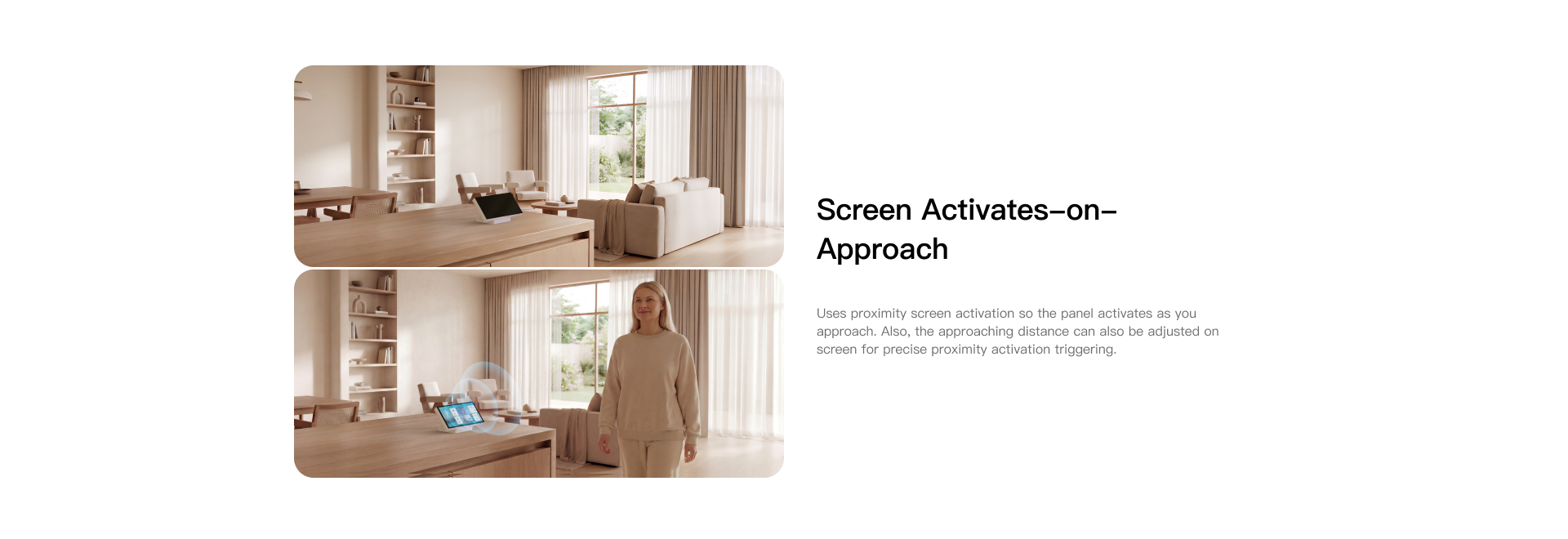
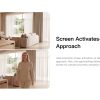
Screen Activates on Approach
Uses proximity screen activation so the panel lights up as you approach. The approaching distance can be adjusted on screen for precise proximity activation triggering.
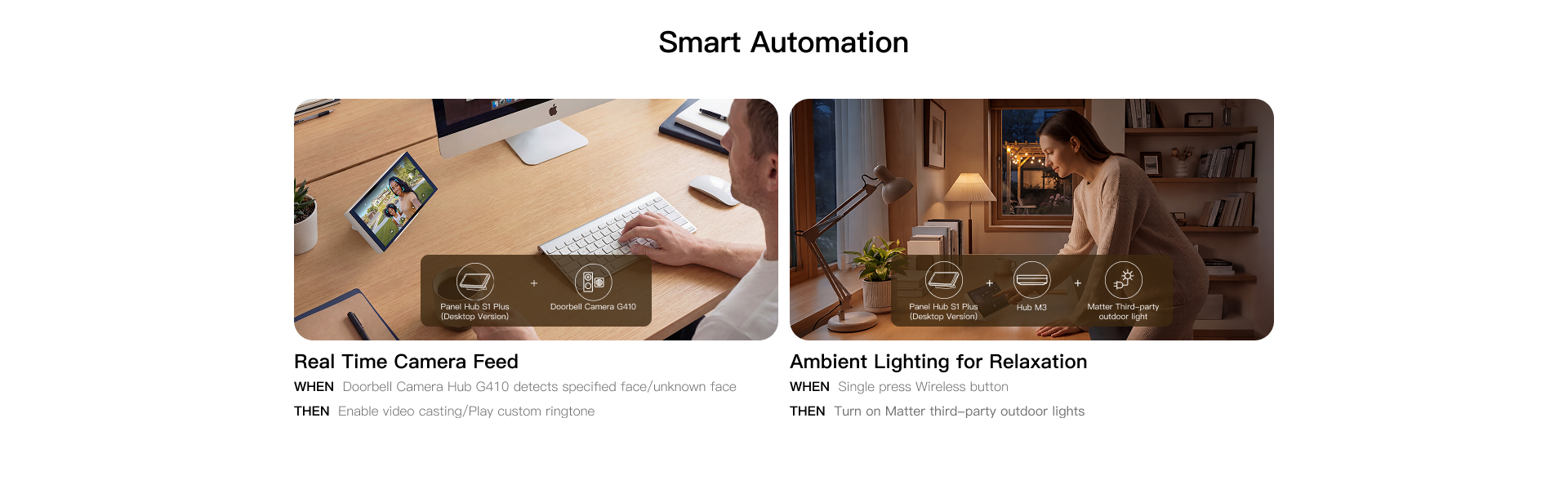
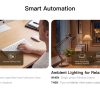
Smart Automation
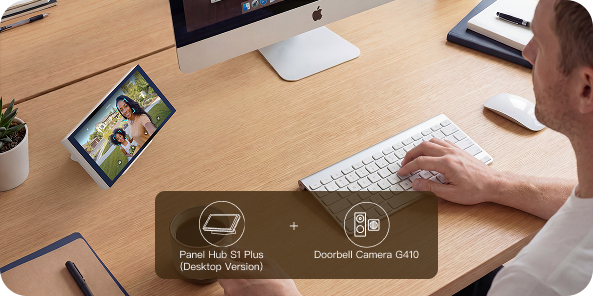
WHEN Doorbell Camera Hub G410 detects specified face/unknown face
THEN Enable video casting/Play custom ringtone
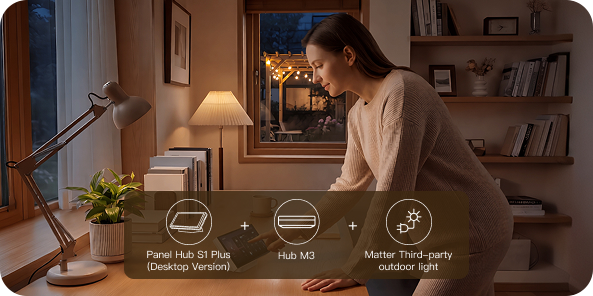
WHEN Single press Wireless button
THEN Turn on Matter third-party outdoor lights
Aqara Panel Hub S1 Plus EU (Desktop Version) Automation:
- Leaving Home — One-Tap Exit Routine
WHEN You tap the “Leaving Home” scene on the panel AND The S1 Plus is on and connected; THEN All lights turn off, curtains close, AC/heating switches to Away Mode, and the security system arms.
Heading out and want the house set in seconds? One tap on the S1 Plus desktop panel handles lights, curtains, locks, and climate—no need to open multiple apps or check each room.
(S1 Plus + Curtain Controller + Smart Lights + Smart Lock + Thermostat/AC Controller)
- Evening Desk Wind-Down
WHEN You tap the “Night Scene” on the panel, The current time is 9:00 PM-next 8am AND The S1 Plus is on and connected; THEN Desk-area lights dim to warm white at 20%, curtains close, AC adjusts to night temperature.
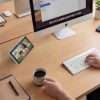
End your workday by dimming the lights, closing the curtains, and setting comfort climate—all from one tap on the S1 Plus panel while sitting at your desk. The room settles down at once.
(S1 Plus + LED Bulbs / Strips + Curtain Controller + Thermostat)
- Doorbell Verify & Unlock — From the Desk
WHEN The Aqara doorbell is pressed AND The S1 Plus is on and connected; THEN Live video auto-pops on the panel, and the user can unlock the door from the same screen after visual confirmation..
Doorbell rings during a work call—live video automatically appears on the S1 Plus panel. Verify a trusted visitor, then unlock the door from the same screen without breaking focus or reaching for your phone.
(S1 Plus + Aqara Video Doorbell + Aqara Smart Lock)
Product Specifications
Physical and Performance Attributes | |||||||||||||||||||||||||||||||
|---|---|---|---|---|---|---|---|---|---|---|---|---|---|---|---|---|---|---|---|---|---|---|---|---|---|---|---|---|---|---|---|
| Dimensions (L x W x H) | 173 × 101 × 90 mm | ||||||||||||||||||||||||||||||
Misc Product Attributes | |||||||||||||||||||||||||||||||
| |||||||||||||||||||||||||||||||
You may also like…
-

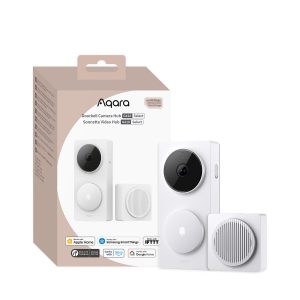
Aqara Doorbell Camera Hub G410 Select – White
£149.99 Add to basket -
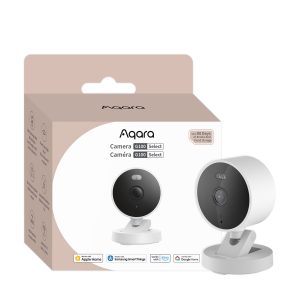
Aqara Camera G100 Select – White
£41.99 Add to basket -
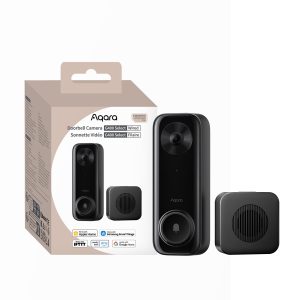
Aqara G400 PoE Doorbell Camera select (Wired)
£99.98 Add to basket -
Aqara Panel Hub S1 Plus
£469.99 Add to basket -
Aqara Camera G100 Select – Black
£41.99 Add to basket -
Aqara Doorbell Camera Hub G410 Select – Black
£149.99 Add to basket